Dubbing Without a Watermark Is Only Available for Creator+ Users: What You Need to Know
You just spent two hours editing your video. The lighting is perfect. The content is fire. You upload it to an AI dubbing tool, pick Spanish as your target language, and hit “Generate.”
Then you see it.
A fat watermark plastered across your video.
Your heart sinks. You dig through the settings. Nothing. You check the help docs. And there it is, that dreaded message:
“Dubbing without a watermark is only available for Creator+ users.”
Sound familiar?
If you’ve ever tried to dub a video using ElevenLabs, Synthesia, Kapwing, or any other AI dubbing platform, you’ve probably run into this wall. The free tier gives you a taste. But clean, professional output? That costs money.
So what exactly does this mean? Is upgrading worth it? Are there workarounds? And which platforms give you the best bang for your buck?
Let’s break it all down.
What Does “Creator+ Users” Actually Mean?
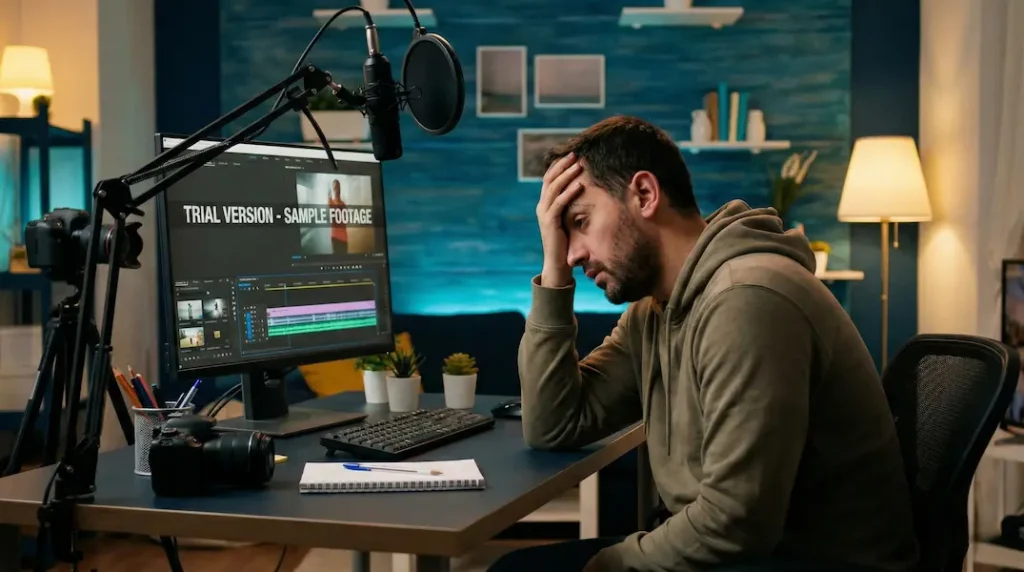
When platforms say “Creator+” they’re talking about their paid subscription tiers, usually starting somewhere between $11 and $22 per month.
Take ElevenLabs as an example. They have several plans:
- Free = 10,000 credits per month, watermarked video exports
- Starter ($5/month) = 30,000 credits, watermarks still apply to video
- Creator ($22/month) = 100,000 credits, no watermark on exports
- Pro ($99/month) = 500,000 credits, higher audio quality, priority processing
The pattern is similar across most AI dubbing tools. Free and lower-tier plans slap a watermark on your videos. Creator-level plans and above remove it.
Why do companies do this?
Simple economics. Watermarks serve two purposes:
- Brand exposure = Every watermarked video becomes a free advertisement
- Upgrade incentive = If you need professional output, you’ll pay
It’s not evil. It’s business. But that doesn’t make it less frustrating when you’re starting out.
Why Watermarks Kill Your Content
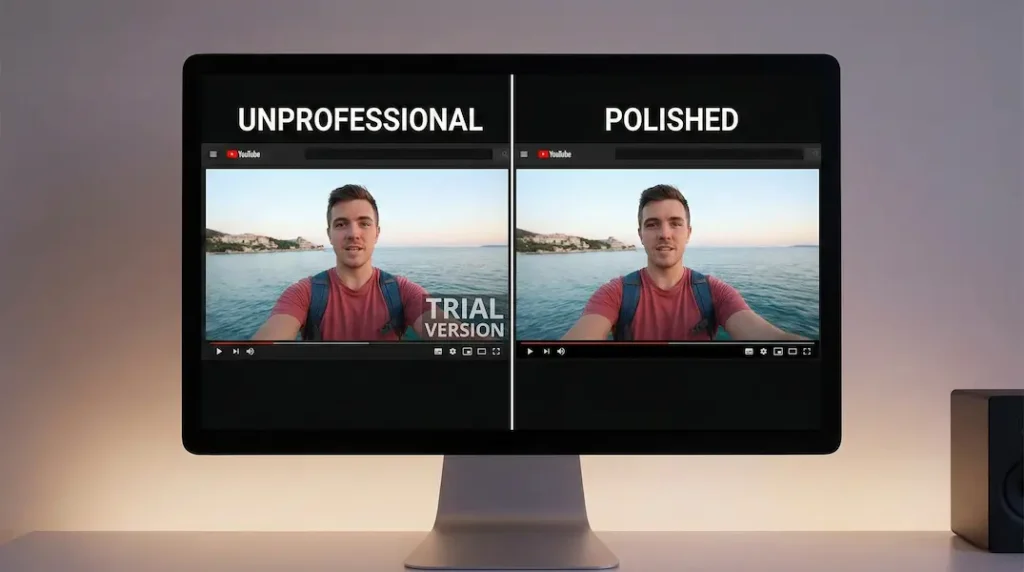
Let’s be honest. A watermark doesn’t only look unprofessional. It actively hurts your content in several ways.
Credibility takes a hit. When viewers see a watermark, their brain registers “amateur” or “too cheap to pay for proper tools.” Fair or not, that’s the perception.
Platform algorithms notice. YouTube, TikTok, and Instagram prefer original, clean content. While there’s no official penalty for watermarks, engagement rates tend to drop on watermarked videos because viewers scroll past them faster.
Clients won’t accept it. If you’re doing video work for anyone else (businesses, agencies, course creators) watermarked output is a non-starter. Period.
Repurposing becomes impossible. Want to use that dubbed clip in a presentation? A paid ad? A course module? The watermark follows you everywhere.
For hobby projects and testing, watermarks are fine. For anything with real stakes, they’re a dealbreaker.
The Real Cost of Going Watermark-Free
Let’s talk numbers.
If you need watermark-free AI dubbing, this is what you’re looking at across popular platforms:
| Platform | Watermark-Free Tier | Monthly Cost | What You Get |
|---|---|---|---|
| ElevenLabs | Creator | $22/month | 100K credits, pro voice cloning |
| Synthesia | Paid plans | Starts ~$29/month | AI avatars + dubbing |
| Kapwing | Pro | $24/month | Full editing suite + dubbing |
| Maestra | Paid plans | $19/month | 125+ languages, voice cloning |
| Dubverse | Premium | ~$12/month | Translation + dubbing |
For most creators, you’re looking at $15-30 per month to remove watermarks and get decent features.
Is that worth it?
Depends on your situation:
- Posting 1-2 videos per month? The math is tight. You might spend $22 to dub two videos. That’s $11 per video.
- Posting weekly or more? Now we’re talking. At 4+ videos per month, you’re paying $5 or less per dubbed video.
- Running a business? This is a no-brainer. Professional output is non-negotiable.
The sweet spot for most creators is when you’re producing consistent content and the watermark is genuinely holding you back.
Can You Remove Watermarks Without Paying?
Let’s address the elephant in the room.
Yes, there are ways to remove watermarks. No, most of them aren’t good ideas.
Cropping = If the watermark is in a corner, you could crop it out. But you’ll lose resolution and it often looks worse than the watermark itself.
AI watermark removers = Tools exist that claim to remove watermarks automatically. Results are usually terrible. Blurry spots, artifacts, obvious editing. Plus, using these tools likely violates the platform’s terms of service.
Screen recording = Some people screen record the preview without the watermark (if available). Quality drops dramatically, and again, you’re likely breaking terms of service.
The bottom line: if you need professional output, pay for it. The workarounds create more problems than they solve.
The Smartest Approach for Budget-Conscious Creators
If you can’t afford $20+ per month right now, here’s a smarter approach than fighting watermarks:
1. Use watermarked versions for testing
Dub your video with the watermark. Check if the translation is accurate. See if the voice sounds natural. Fix any issues. Only upgrade when you’re ready to export the final, polished version.
2. Batch your dubbing work
Instead of subscribing monthly, do all your dubbing in one intensive session. Subscribe for one month, dub 10 videos, cancel. Wait until you have another batch ready. This approach can cut your annual costs by 50-70%.
3. Look for annual discounts
Most platforms offer 2 free months (or more) when you pay annually. If you know you’ll need the tool long-term, the math works out better.
4. Start with the cheapest watermark-free tier
Don’t overbuy. If a platform’s $12/month plan removes watermarks, start there. Upgrade only when you genuinely need more features or credits.
5. Consider alternatives with better free tiers
Some platforms are more generous than others. ScreenApp, for example, claims watermark-free exports on their free tier (with other limitations). Research before committing.
Which Platform Should You Choose?
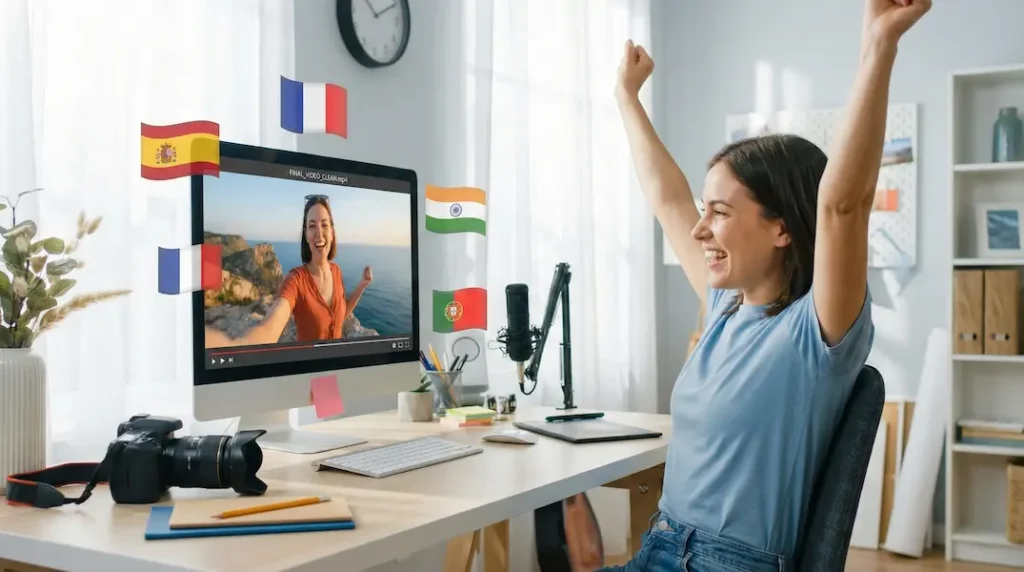
Different tools are good at different things. Here’s a quick breakdown:
ElevenLabs = Best voice quality, period. Their AI voices sound eerily human. Great for YouTube, podcasts, and professional content. Watermark-free starts at Creator ($22/month).
Maestra = Excellent for high-volume work. Supports 125+ languages with solid accuracy. Good for agencies and localization teams. Free trial available.
Kapwing = Not a dedicated dubbing tool, but a full video editor with dubbing features. Great if you need editing capabilities beyond translation. Pro plan removes watermarks.
Synthesia = Unique because it includes AI avatars. If you need a virtual presenter speaking multiple languages, this is your tool. More expensive but does things others can’t.
Dubverse = Budget-friendly option with decent quality. Good for creators who need basic dubbing without premium features.
Rask AI = Strong accuracy and good lip-sync options. Worth testing if ElevenLabs pricing feels steep.
My recommendation? Start with free trials. Test your actual content on 2-3 platforms. See which one produces output you’re happy with. Then commit.
The Bigger Picture: Is AI Dubbing Worth It at All?
Let’s zoom out.
AI dubbing has exploded in the past two years. What used to cost thousands of dollars (hiring translators, voice actors, studio time) now costs under $50 for most creators.
The technology isn’t perfect. Sometimes the pacing feels off. Certain languages work better than others. Complex audio with background music can trip up the AI.
But for reaching international audiences? It changes everything.
Consider this:
- A video in English reaches maybe 1.5 billion potential viewers
- Add Spanish, and you’ve added 500+ million more
- Add Hindi, Portuguese, French? You’re now accessible to half the planet
The watermark question isn’t really about watermarks. It’s about whether you’re serious enough about global reach to invest in proper tools.
If you are, the $20/month for watermark-free dubbing is one of the cheapest ways to multiply your potential audience.
Final Thoughts
“Dubbing without a watermark is only available for Creator+ users” isn’t a punishment. It’s a business model.
Free tiers exist to let you test. Paid tiers exist for serious work.
If you’re frustrated by watermarks right now, that’s actually a good sign. It means you’re creating content worth protecting. Content that deserves to look professional.
The path forward is simple:
- Test with free versions until you find the right platform
- Batch your work to get more value from paid months
- Invest when watermarks are genuinely costing you opportunities
Your content is worth more than a watermark. When you’re ready, upgrade.
Until then, keep creating.
Have you tried any AI dubbing platforms? Which one worked best for you? Drop your experience in the comments. I’d love to hear what’s working for different creators.