
954 Points Cinebench 7800X3D: Is This Score Normal? [Fix Low Scores]
So you ran Cinebench 2024 on your Ryzen 7 7800X3D and got around 954 points. Now you’re wondering: is that good? Bad? Should you be worried?
What Does 954 Points Actually Mean?
First, let me get something straight. When we talk about “954 points” on a 7800X3D, we’re talking about Cinebench 2024 multi-core scores.
Here’s the reality: the typical 7800X3D scores between 1,000 and 1,100 points in Cinebench 2024 multi-core testing. So if you’re getting 954 points, you’re running about 10-15% below average.
That doesn’t mean your CPU is broken. But it does mean something is holding it back.
Why Your 7800X3D Might Score Lower Than Expected
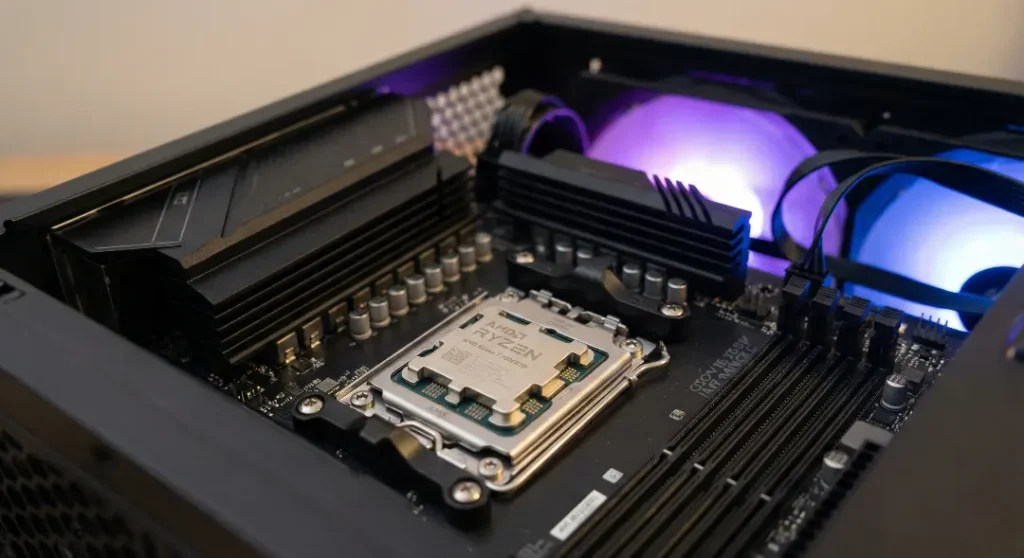
There are several common reasons your score might be sitting around 954 instead of 1,050+. I’ll go through them one by one.
1. Background Apps Are Eating Your Performance
This is the number one culprit. Windows 11 loves running stuff in the background. Here’s what often kills benchmark scores:
- RGB software (iCUE, L-Connect, Armoury Crate)
- Discord
- Browser tabs
- Antivirus scans
- Windows Update running silently
- Steam downloading in the background
One user on an overclocking forum found that simply stopping their L-Connect service (the software for their RGB fans) jumped their score from 15,000 to over 18,000 in Cinebench R23. That’s a huge difference from one single app.
Quick fix: Open Task Manager, go to the Details tab, and close everything non-essential before running your benchmark.
2. Cinebench Priority Is Set Wrong
Here’s something most people don’t know: Cinebench often runs at “Below Normal” priority by default. This means Windows gives other apps priority over your benchmark.
How to fix it:
- Open Cinebench but don’t start the test
- Open Task Manager
- Go to Details tab
- Find Cinebench in the list
- Right-click and set priority to “High”
- Now run your test
Users report gaining 2,000-3,000 points in Cinebench R23 just from this change. In Cinebench 2024, that translates to roughly 100-150 extra points.
3. SMT (Hyper-Threading) Is Disabled
Some motherboards have a setting called “X3D Gaming Mode” that disables SMT (Simultaneous Multi-Threading). This cuts your thread count in half, from 16 threads down to 8.
For gaming? This sometimes helps a tiny bit. For Cinebench? It destroys your score.
How to check: Go into your BIOS, find the setting called “X3D Gaming Mode” or “SMT,” and make sure SMT is enabled.
4. Thermal Throttling

The 7800X3D runs hot. That’s normal. The 3D V-Cache sits on top of the CPU die, which creates a thermal barrier between the chip and your cooler.
Temperatures up to 89°C are perfectly fine. But if your CPU is hitting 90°C+ and throttling, your clocks will drop and scores will suffer.
Signs of throttling:
- Clocks dropping below 4.8 GHz during the test
- Scores varying wildly between runs
- Temperatures spiking to 90°C+
Possible fixes:
- Check your cooler mounting
- Replace thermal paste
- Improve case airflow
- Undervolt using Curve Optimizer (more on this below)
5. BIOS Settings Need Attention
Several BIOS settings directly affect performance:
EXPO/XMP: Make sure your RAM’s EXPO profile is enabled. The 7800X3D loves fast memory.
PBO (Precision Boost Overdrive): Enabling PBO can give you extra headroom. Some users leave it on Auto, which is fine for most.
Power limits: Some motherboards ship with conservative power limits. Check that your PPT, TDC, and EDC aren’t artificially restricted.
6. Windows 11 24H2 Issues
Several users have reported that Windows 11 version 24H2 causes lower benchmark scores. One user went from 18,300 points to 16,200 after updating.
If you recently updated Windows and noticed worse performance, this might be your issue. You could try rolling back to version 23H2 or waiting for Microsoft to fix it.
What Score Should You Actually Expect?
Let me set realistic expectations. Here’s what typical 7800X3D systems score in Cinebench 2024 multi-core:
| Configuration | Expected Score |
|---|---|
| Stock, nothing tweaked | 1,000 – 1,050 |
| EXPO enabled, stock CPU | 1,050 – 1,096 |
| EXPO + PBO + Curve Optimizer | 1,100 – 1,150 |
| Heavily tuned | 1,150 – 1,263 |
For single-core, expect around 105-122 points depending on your setup.
If you’re at 954, you’re not catastrophically low, but there’s definitely room for improvement.
How to Improve Your Score (Step by Step)
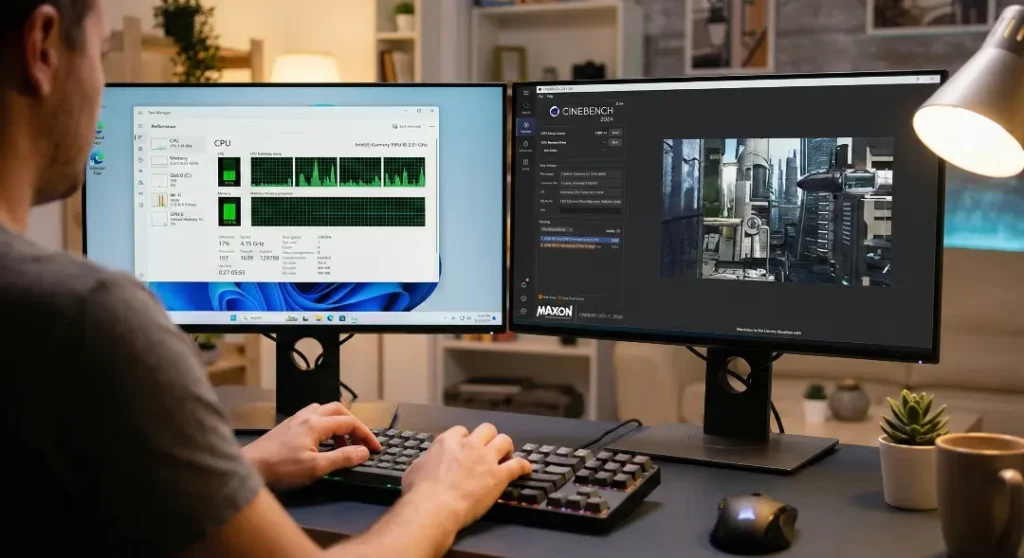
Follow these steps in order. Test after each one to see what makes the biggest difference.
Step 1: Clean Boot
Close all background apps. Disable RGB software. Kill anything unnecessary in Task Manager.
Step 2: Set Cinebench Priority
Change it from “Below Normal” to “High” using Task Manager before running the test.
Step 3: Check BIOS Settings
- Enable EXPO for your RAM
- Make sure SMT is enabled
- Disable “X3D Gaming Mode” if it’s on
- Verify PBO is set to Auto or Enabled
Step 4: Update Everything
- BIOS to the latest version
- AMD chipset drivers
- Windows updates
Step 5: Consider Undervolting
Using Curve Optimizer with a negative offset (like -20 to -30 on all cores) can actually improve performance while reducing heat. Less heat means higher sustained clocks.
Start with -20 all cores. If stable, try -25. Test with Cinebench after each change.
Does Cinebench Even Matter for Gaming?
Here’s the thing most articles won’t tell you: Cinebench scores have almost zero correlation with gaming performance for the 7800X3D.
The 7800X3D is built for gaming, not productivity workloads. Its 96MB of 3D V-Cache gives it a huge advantage in games, but that cache doesn’t help much in Cinebench.
In fact, the 7800X3D often scores lower than the regular 7700X in Cinebench because it has lower clock speeds. But in actual games? The 7800X3D beats the 7700X by 15-30% in many titles.
So if your Cinebench score is a bit low but your games run beautifully, don’t stress too much.
7800X3D vs 9800X3D: Worth the Upgrade?
Since the Ryzen 7 9800X3D launched, you might be wondering if your 7800X3D is suddenly obsolete.
Here’s how they compare in practice:
| Benchmark | 7800X3D | 9800X3D | Difference |
|---|---|---|---|
| Cinebench 2024 Multi | ~1,053 | ~1,347 | +28% |
| Cinebench 2024 Single | ~111 | ~132 | +19% |
| Gaming (average) | Baseline | +10-15% | – |
The 9800X3D is definitely faster, about 10-15% in games and 20-28% in productivity. But if you already own a 7800X3D, the upgrade isn’t necessary unless you’re chasing every last frame.
Frequently Asked Questions
Is 954 points a bad score for the 7800X3D?
It’s below average but not terrible. The typical score ranges from 1,000 to 1,100 points. A score of 954 suggests something is limiting your CPU, likely background apps, wrong priority settings, or BIOS configuration.
Why is my 7800X3D slower than the 7700X in Cinebench?
This is normal. The 7800X3D has lower clock speeds (5.0 GHz vs 5.4 GHz) because of the 3D V-Cache. In synthetic benchmarks like Cinebench, clock speed matters more than cache. In games, it’s the opposite, and the 7800X3D wins easily.
What’s a good Cinebench R23 score for the 7800X3D?
For Cinebench R23, expect 17,000-18,500 points multi-core and 1,750-1,850 points single-core. If you’re below 17,000, something is holding your CPU back.
Should I worry if my temperatures hit 85°C?
No. The 7800X3D is built to run hot because of its stacked cache design. Temperatures up to 89°C are within spec. Only worry if you’re consistently hitting 90°C+ and seeing throttling.
Does RAM speed affect Cinebench scores?
Slightly, but not dramatically. Cinebench isn’t very memory-dependent. You’ll see bigger differences in games. That said, enabling EXPO ensures you’re not leaving easy performance on the table.
How do I know if my 7800X3D is thermal throttling?
Use HWiNFO64 while running Cinebench. Watch your CPU clocks. If they’re dropping below 4.8 GHz during the test while temperatures are at 90°C+, you’re throttling.
Final Thoughts
Getting 954 points in Cinebench 2024 with your 7800X3D means your CPU is likely underperforming by 10-15%. The good news? This is almost always fixable.
Start with the basics: close background apps, set Cinebench priority to High, and check your BIOS settings. Most people gain 100-150 points just from these changes.
And remember: Cinebench is just a benchmark. If your games run great, your CPU is doing exactly what it was built to do. The 7800X3D wasn’t made to win synthetic benchmark races. It was made to deliver the best gaming experience possible.