ScottFree Interpreter for Adventureland: How to Set It Up and Play
Want to play the legendary 1978 text adventure game Adventureland on your modern computer? You’ll need something called ScottFree, a free interpreter that brings this classic game back to life.
This guide walks you through everything. By the end, you’ll be wandering through enchanted forests and hunting for treasure just like gamers did over 45 years ago.
What Is ScottFree and Why Do You Need It?
ScottFree is a small program written by Alan Cox. Think of it as a translator. It reads the old game files from Adventureland and turns them into something your computer can actually run.
Here’s the problem: Adventureland was made for computers like the TRS-80 back in 1978. Those machines are ancient history now. The game itself is stored in special “.DAT” data files that modern computers don’t understand.
ScottFree bridges that gap. It reads those old data files and displays the game on your screen, whether you’re using Windows, Mac, or Linux.
Without an interpreter like ScottFree, those classic game files are just meaningless numbers sitting on your hard drive.
A Quick History: Why Adventureland Matters
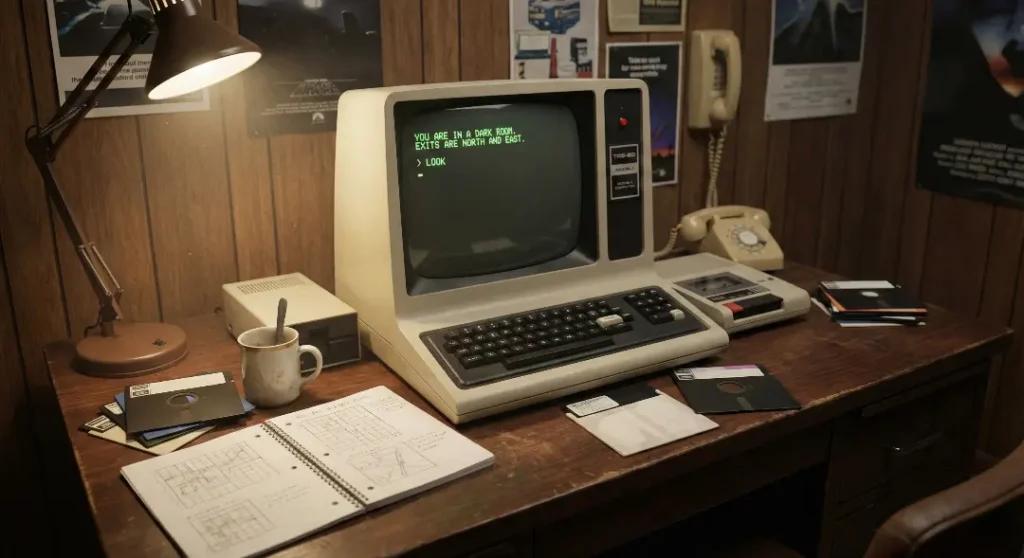
Before we get into the setup, here’s why this game is worth your time.
Scott Adams created Adventureland in 1978. It became the first commercially sold text adventure game for home computers. Before this, adventure games only ran on massive university mainframes that regular people couldn’t access.
Adams squeezed an entire adventure into just 16 kilobytes of memory. To put that in perspective, a single photo on your phone today uses more space than the entire game.
The game drops you into an enchanted world. Your mission? Find 13 hidden treasures scattered across forests, caves, and mysterious locations. You type commands like “GO NORTH” or “GET LAMP” to move around and interact with the world.
It’s simple by today’s standards. But it started an entire genre that eventually led to games like Zork, King’s Quest, and countless modern adventure games.
What You Need Before Starting
Getting Adventureland running requires two things:
- The ScottFree interpreter (the program that runs the game)
- The Adventureland data file (the actual game content)
Both are free and legal to download. Let’s grab them.
Step-by-Step: Installing ScottFree
For Windows Users
Option 1: Hein Pragt’s Windows Interpreter (Easiest)
This is the simplest way if you’re on Windows 10 or 11.
- Go to heinpragt-software.com/adventure-interpreter
- Download the latest version (look for the ZIP file containing the x64 version)
- Extract the ZIP file to any folder on your computer
- The download includes all 14 original Scott Adams games, including Adventureland
To play: Open the program and use File > Open to load ADV01.DAT (that’s Adventureland).
Option 2: The Original ScottFree DOS Version
If you want a more authentic retro feel:
- Visit the IF Archive ScottFree page
- Download “scott.zip” for the DOS version
- Extract and run through DOSBox if needed
For Mac Users
- Download “scottfree-OSX.zip” from the IF Archive
- Extract the file
- Open Terminal
- Navigate to the folder containing ScottFree
- Run:
./scottfree ADV01.DAT
For Linux Users
Good news: ScottFree is likely available in your package manager.
On Ubuntu/Debian:
sudo apt-get install scottfree
On Fedora/Red Hat:
sudo dnf install scottfree
After installation, run the game with:
scottfree ADV01.DAT
Getting the Adventureland Game Files
If your ScottFree download didn’t include the game files, here’s where to get them:
- Visit PDD’s Adventure Page
- Look for “Scott Adams adventures” in the datafiles section
- Download the ZIP containing all Scott Adams games
- Extract to the same folder as ScottFree
The file you want is ADV01.DAT — that’s Adventureland.
Here’s a quick reference for all the Scott Adams games included:
| File | Game |
|---|---|
| ADV01.DAT | Adventureland |
| ADV02.DAT | Pirate Adventure |
| ADV03.DAT | Mission Impossible |
| ADV04.DAT | Voodoo Castle |
| ADV05.DAT | The Count |
| ADV06.DAT | Strange Odyssey |
| ADV07.DAT | Mystery Fun House |
| ADV08.DAT | Pyramid of Doom |
| ADV09.DAT | Ghost Town |
| ADV10.DAT | Savage Island Part 1 |
Running Your First Game
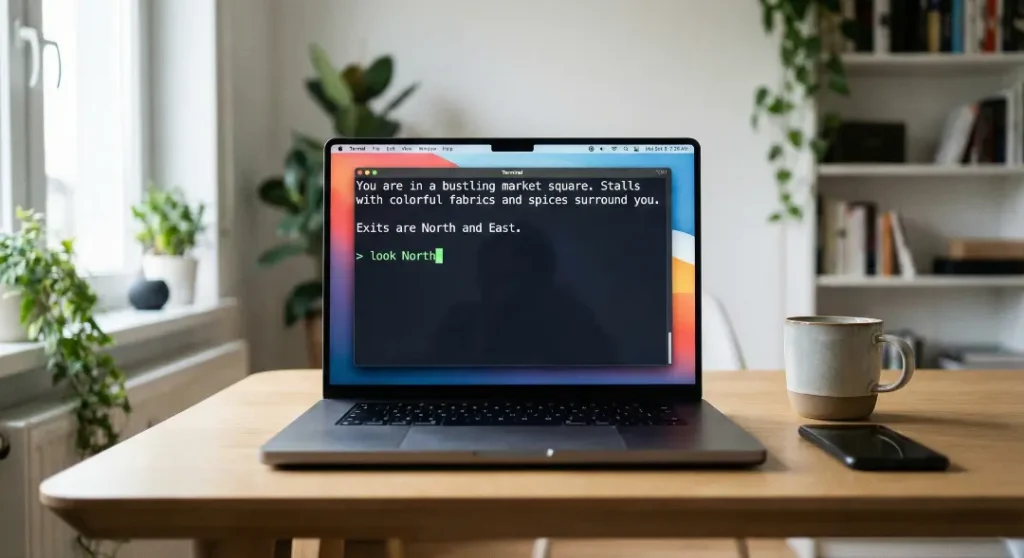
Once everything is in place:
- Open ScottFree (or run it from the command line)
- Load ADV01.DAT
- You’ll see a split screen: the top shows your location and items, the bottom is where you type commands
Your first commands to try:
LOOK: Describes your surroundingsINVENTORYorI: Shows what you’re carryingGO NORTH(or justN) : Move northGET [item]: Pick something upHELP: Sometimes gives hints
Pro tip: The parser only reads the first three letters of each word. So “CLI TRE” works the same as “CLIMB TREE.”
Common ScottFree Options and Commands
ScottFree has some useful command-line options:
| Option | What It Does |
|---|---|
-i | Uses “I am” style messages (default) |
-y | Uses “You are” style messages |
-s | Authentic Scott Adams light messages |
-t | TRS-80 style display |
-d | Shows debugging info on load |
Example:
scottfree -t ADV01.DAT
This runs Adventureland with the original TRS-80 display style.
Alternative Interpreters Worth Knowing
ScottFree isn’t your only option. Here are other interpreters that play Scott Adams games:
ScottKit : A Ruby-based interpreter that can also compile new games in the Scott Adams format. Great for developers. Find it on GitHub.
Spatterlight : A Mac app that bundles ScottFree along with support for many other text adventure formats. Includes graphics support for games that have them.
Gargoyle : A multi-format interpreter for Windows, Mac, and Linux. Rename your .DAT files to .saga to load them.
Online at Archive.org : You can play Adventureland directly in your browser at the Internet Archive without downloading anything.
Troubleshooting Common Problems
“File not found” error
Make sure the .DAT file is in the same folder as ScottFree, or provide the full path to the file.
Game displays garbled text
Try a different interpreter version. The Windows GUI version from Hein Pragt handles display issues better than the command-line version.
Commands aren’t working
Remember: only two-word commands work. Use “GET LAMP” not “PICK UP THE LAMP.” Keep it simple.
Can’t save my game
Type SAVE to save your progress. The game creates a save file in the same directory. Use LOAD or RESTORE to continue later.
Tips for Actually Beating Adventureland
Now that you’re set up, here are some spoiler-free hints:
- Map everything. Draw your own map as you go. This game has no automap.
- Check every direction in every room. Not all exits are obvious.
- Try examining things.
LOOKandEXAMINEreveal hidden details. - Some items have multiple uses. Experiment.
- Light sources run out. Don’t waste them wandering in already-explored areas.
- Stuck? The official hint system is available as “ScottDec” from the IF Archive.
The Bigger Picture: Why Play Old Text Adventures?

You might wonder why anyone bothers with these ancient games when modern games have stunning graphics and voice acting.
Here’s the thing: text adventures exercise your imagination in ways modern games don’t. There’s no artist’s interpretation of what the “enchanted forest” looks like. Your brain creates that image.
They’re also surprisingly challenging. Without quest markers and tutorials, you actually have to think.
And from a historical perspective, playing Adventureland is like reading the first novel of a genre. Everything that came after, from Zork to modern narrative games, traces back to what Scott Adams built in 1978.
Frequently Asked Questions
Is ScottFree the same as ScottKit?
No. ScottFree is just an interpreter that plays games. ScottKit is a full toolkit that can play, compile, and decompile Scott Adams games. ScottKit is built on Ruby and aimed more at developers who want to create their own games.
Can I play Adventureland on my phone?
Yes. There’s a Java ME version of ScottFree for older phones, and you can play browser-based versions on any device through the Internet Archive.
Are these games free to play?
Yes. The original Scott Adams data files are freely distributable. Scott Adams himself has made them available for fans.
What’s the difference between Adventureland and Adventureland XL?
Adventureland XL is a modern remake available on Steam. It’s based on the original but adds narration, artwork, sound effects, and full sentences instead of two-word commands. The original is free; Adventureland XL costs money.
Why is it called ScottFree?
It’s a play on words. The interpreter plays “Scott” Adams games, and it’s “free” software. Plus “scot-free” means escaping without penalty, which fits an adventure game pretty well.
Do the graphics versions work with ScottFree?
The Amiga version of ScottFree (ported by Andreas Aumayr) supports graphics for some games including Adventureland. The standard version is text-only.
Where can I find hints if I get stuck?
The IF Archive hosts the original Adventure International hint booklet in digital form. There’s also a program called ScottDec that lets you decode hints one at a time without spoiling the whole game.
Wrapping Up
Setting up ScottFree takes about five minutes. After that, you’ve got access to one of the most historically important video games ever made, completely free.
Adventureland won’t hold your hand. It won’t give you waypoints or tutorials. It just drops you into a world and says “figure it out.”
That’s exactly what made it special in 1978. And honestly? That’s still what makes it fun today.
Download ScottFree. Load up Adventureland. And see if you can find all 13 treasures before your lamp runs out.
Good luck, adventurer.