OEM HP F5S23A (F5S23A#B1H) Printer: DeskJet 1112 Specs, Ink and Buying Guide
The OEM HP F5S23A, sold as F5S23A#B1H, is the HP DeskJet 1112: a print-only, USB-only inkjet printer that uses HP 63 ink cartridges and that HP now lists as discontinued. This guide is based on the manufacturer’s published specifications and category standards rather than hands-on testing, so every figure below comes from HP’s datasheet, HP’s store and support pages, or a cited source.
If you are holding a part number and wondering what it buys, the short answer is a basic home printer from the 2015 to 2017 era. The more useful answers are about ink, drivers and whether it is still worth buying, and those have changed since the datasheet was written.
What Is the HP F5S23A Printer?
HP’s own store page for the HP DeskJet 1112 shows “Product # F5S23A#B1H” and a “DISCONTINUED” banner, with a link to a newer model, the HP DeskJet 2755e. The HP datasheet for the printer, dated March 2017, names the box contents as the “F5S23A HP Deskjet 1112 Printer.”
So F5S23A is the base product number, and the #B1H suffix is how it appears in HP’s US store listing. Retailers also write it as F5S23AB1H, without the hash. All three strings point to the same printer.
“OEM” in a listing title usually means the item is genuine HP rather than a compatible or remanufactured copy. For a printer, that is a reasonable expectation. For ink, it is the line that matters most, as the cartridge section below explains.
What Are the DeskJet 1112 Specs?
From the HP DeskJet 1112 datasheet:
- Function: print only, no scanner or copier
- Print speed (ISO): up to 7.5 ppm black, up to 5.5 ppm colour
- First page out: as fast as 15 seconds black, 18 seconds colour
- Resolution: up to 1200 x 1200 rendered dpi black; up to 4800 x 1200 optimized dpi colour on selected HP photo papers
- Connectivity: 1 USB 2.0; network “None,” wireless “No,” mobile printing “not supported”
- Duplex: manual, with driver support
- Borderless printing: no
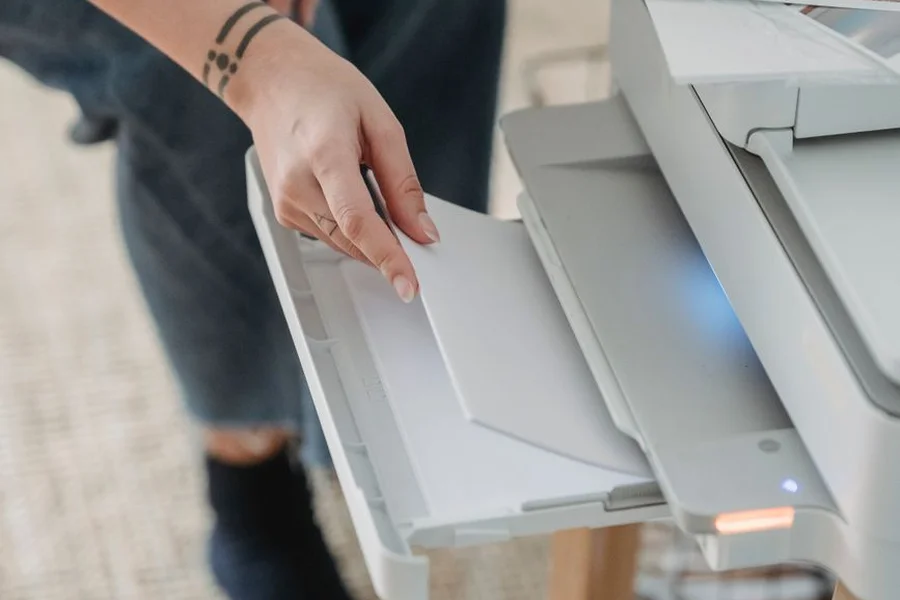
- Paper handling: 60-sheet input, 25-sheet output, up to 5 envelopes
- Duty cycle: up to 1,000 pages a month, with 50 to 200 pages recommended
- Size and weight: 16.76 x 8.49 x 4.89 inches closed; 4.44 lb
- Power: 10 watts active, 0.7 watts sleep, 0.1 watts off; ENERGY STAR certified
- Warranty: one-year limited hardware warranty
The connectivity lines are the ones to read twice. This printer has no Wi-Fi, no Ethernet and no mobile printing. It prints from a computer plugged in by USB cable, and nothing else. If you plan to print from a phone or from more than one laptop without moving cables, it is the wrong printer.
Which Ink Cartridges Does the F5S23A Use?
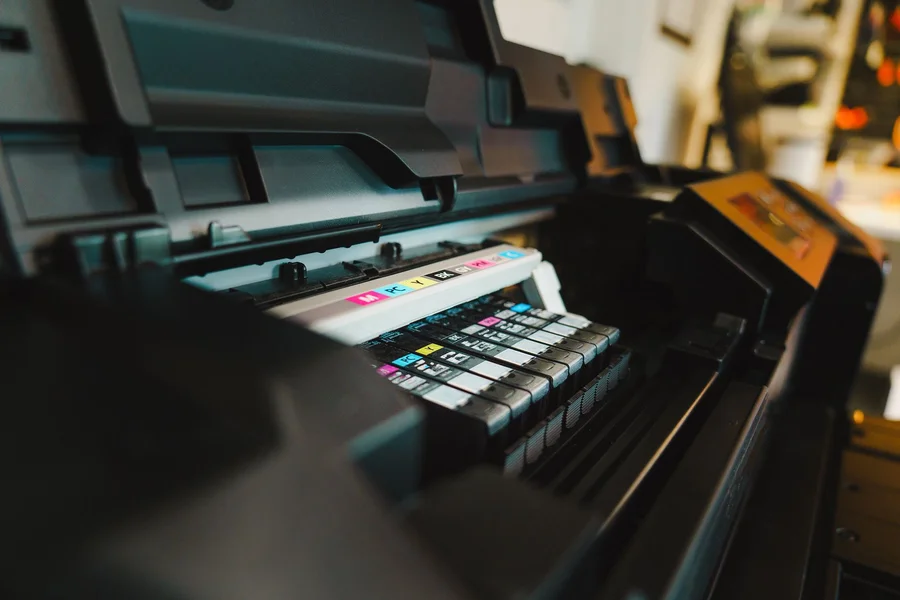
The datasheet lists two cartridges, one black and one tri-colour (cyan, magenta and yellow), from the HP 63 family. In the box, it ships with setup cartridges: “HP 63 Setup Black Ink Cartridge (~115 pages)” and “HP 63 Setup Tri-color Ink Cartridge (~100 pages).”
The replacement yields on the datasheet are:
- HP 63 Black: about 190 pages
- HP 63 Tri-color: about 165 pages
- HP 63XL Black: about 480 pages
- HP 63XL Tri-color: about 330 pages
The setup cartridges are the catch for anyone buying a new-in-box unit. At roughly 115 black pages, they run out well before a full-size HP 63, and much sooner than an XL. Budget for a replacement set from the first week if you print regularly.
HP’s own spec sheet for the HP 63 black cartridge lists the DeskJet 1112 (F5S23A#B1H) among its compatible printers, alongside the DeskJet 2130 and OfficeJet 3830. It also lists the black ink as pigment based, which suits sharp text on plain paper.
Have HP 63 Cartridges Changed?
Yes, and this is the detail most older guides miss. On HP’s US store, the HP 63XL and HP 65XL have been merged into one cartridge. The HP 63/65XL Black (B7RT5AN) page says the new cartridge “replaces HP 63XL and HP 65XL” with “Same printer compatibility.” The standard HP 63 and HP 65 have likewise become HP 63/65.
The published yields on the new cartridges are lower than the DeskJet 1112 datasheet’s figures for the old ones:
- HP 63/65XL Black: about 300 pages, MSRP $46.99, shown out of stock when we checked
- HP 63/65 Tri-color (B7RT2AN): up to 100 pages, MSRP $26.99, in stock
Compare that with the datasheet’s 480 pages for the HP 63XL black and 165 pages for the standard HP 63 tri-colour. We cannot tell from HP’s pages whether the cartridges hold less ink or whether the yields were measured differently, so treat the figures on the box you buy as the ones that apply.
What this means is cost per page. At $26.99 for about 100 colour pages, colour printing on this printer is expensive, and that was the trade-off with low-cost inkjets of this generation. HP’s own footnote on the datasheet points out that XL cartridges cost less per page than standard ones, so buy XL when it is in stock.
Does the HP DeskJet 1112 Work With Windows 11 and Mac?
On Windows, yes. HP’s software and driver page for the DeskJet 1110 series, which covers the 1112, offered two downloads when we checked with Windows 11 detected: HP Easy Start Printer Setup Software version 17.6.15, released October 14, 2026, and the “HP DeskJet 1110 series Print and Scan Driver and Accessories” version 40.15.1230, released November 23, 2021.
That second date is worth noting. The full driver has not been updated in about five years, while the setup tool is current. For a USB printer with one button, that is usually fine, but it tells you HP is maintaining the printer rather than developing it.
On Mac, check before you buy. The 2017 datasheet lists support only up to OS X 10.10 Yosemite. Select your macOS version on HP’s driver page and confirm a download or setup path is offered before ordering.
Should You Buy an HP F5S23A Today?
Here is a real scenario. A student needs to print a few pages of coursework a week from one Windows laptop, has a USB port free, and finds a sealed DeskJet 1112 at a clearance price. That is close to the printer’s intended use, which the datasheet sets at 50 to 200 pages a month.
It is a poor fit for nearly anyone else. No wireless, no scanning and no phone printing rule out most households, and the colour ink cost adds up fast. A common mistake is to judge it on the price of the printer alone. With colour cartridges at $26.99 for about 100 pages, the ink is where the money goes.
My recommendation is to buy the F5S23A only if it is new old stock at a very low price and you need simple USB printing from Windows. Otherwise, look at the newer model HP itself points to, or at any current printer with wireless and scanning. Check the yields and prices of its cartridges first, since running costs decide whether a cheap printer stays cheap. For more on cutting running costs at home, see our guide to energy-efficient upgrades that save money, and for setting up connected devices, our budget smart home setup guide.
Frequently Asked Questions
What printer is the HP F5S23A?
It is the HP DeskJet 1112. HP’s US store lists it under product number F5S23A#B1H, and the HP datasheet names it as the F5S23A HP Deskjet 1112 Printer.
What ink does the HP F5S23A#B1H use?
It uses one black and one tri-colour cartridge from the HP 63 family. On HP’s US store, the HP 63XL has been merged into the HP 63/65XL, which HP says has the same printer compatibility.
Is the HP DeskJet 1112 wireless?
No. HP’s datasheet lists network capability as none, wireless as no, and mobile printing as not supported. It connects by USB 2.0 only.
Is it true that the HP DeskJet 1112 can scan?
No. It is a print-only printer. If you need to scan or copy, you need a model that prints, scans and copies.
Is the HP F5S23A discontinued?
Yes. HP’s store page shows a discontinued notice and links to the HP DeskJet 2755e as the newer model. HP still sells compatible ink and offers drivers.
Does the HP DeskJet 1112 print double-sided?
Only manually. The datasheet lists manual duplex with driver support, which means you turn the pages over and feed them back in yourself.
Final Thoughts
The OEM HP F5S23A is the HP DeskJet 1112, a discontinued, print-only, USB-only inkjet that uses HP 63 family cartridges and prints up to 7.5 pages a minute in black. HP still provides a Windows 11 setup path and still sells ink, now as the merged HP 63/65 range.
Buy it only for light, single-computer printing at a clearance price. Check the yield on the cartridges you would buy, since HP’s current listings show lower figures than the printer’s datasheet, and confirm Mac support on HP’s driver page before ordering if you are not on Windows.