AI Tools for Computer Diagnostics: What Works in 2026
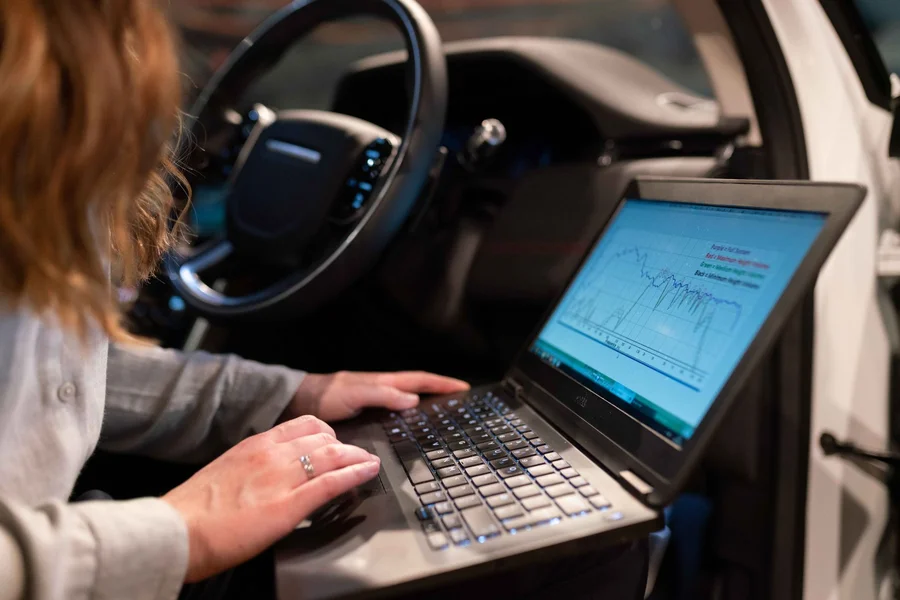
AI tools for computer diagnostics read the quiet signals your PC sends out long before it freezes, crashes, or refuses to start. They watch drive health, memory errors, battery wear, and driver conflicts, then flag the part most likely to break. If you have ever lost a morning to a blue screen that arrived with no warning, this is the corner of computer repair that shifted most in the past two years.
Below you will find what these programs measure, which ones earn their place on your machine, and the moments when their warnings are plain wrong.
What Are AI Tools for Computer Diagnostics?
AI tools for computer diagnostics are programs that gather health readings from your computer’s parts, compare those readings against failure patterns learned from millions of other machines, and name the component likely to fail. Rather than reporting an error after a crash, they give you days or weeks of warning.
Two terms sit underneath almost every one of these tools. The first is SMART, short for Self-Monitoring, Analysis, and Reporting Technology, a reporting system baked into hard drives and SSDs since the 1990s that counts things like reallocated sectors and read errors. The second is machine learning, a method where software studies huge piles of past examples and learns which combinations of readings came right before a failure. SMART supplies the raw numbers. Machine learning decides which numbers matter.
The scale of the training data is why this works at all. Backblaze, a cloud storage company that publishes its drive failure records in public, tracked 328,348 hard drives in its data centers during the third quarter of 2025 and logged a 1.55% quarterly failure rate, close to its 1.57% annualized rate for 2024. Datasets like the quarterly drive statistics Backblaze publishes are what teach these models the difference between a drive having a bad day and a drive on its way out.
From what we’ve seen, the drive warning is the alert that spares people the most grief, because a failing SSD gives you almost no second chance once it drops out in the middle of a write. A noisy fan you can live with for a month. A dead SSD takes your files with it.
How Does AI Find a Problem Before Your PC Shows It?
It samples your machine constantly and looks for drift, not for errors. A traditional scan asks whether anything is broken right now. A prediction model asks whether this pattern looks like the last 5,000 machines that broke the following week.
The sampling rate is heavier than most people expect. Lenovo Device Intelligence, a PC health service aimed at company IT teams, collects 10,000 data points from each device every 15 seconds and pools them across a whole fleet. Lenovo reports that its Device Intelligence Plus tier predicts the most common blue screen failures with an average accuracy of 85%, a figure the company published alongside Lenovo’s announcement of the enhanced Device Intelligence service.
That number deserves a second look. An 85% accuracy rate also means roughly one in seven of those crashes slips through. These tools shrink your surprises. They do not end them.
We’ve noticed that the models get noticeably sharper after about two weeks on a fresh machine, because they need a baseline of your normal temperatures, memory pressure, and disk load before an odd reading carries any meaning. Install one the night before a big deadline and it has nothing to compare against.
The myth worth clearing up: plenty of people assume these tools repair the fault they find. Almost none of them do. They tell you a component is degrading and hand you a link. Replacing the SSD, reseating the RAM, or rolling back the driver is still your job, or your technician’s. The same split shows up in other trades, which is why AI diagnostics in auto repair shops still end with a mechanic holding a wrench.
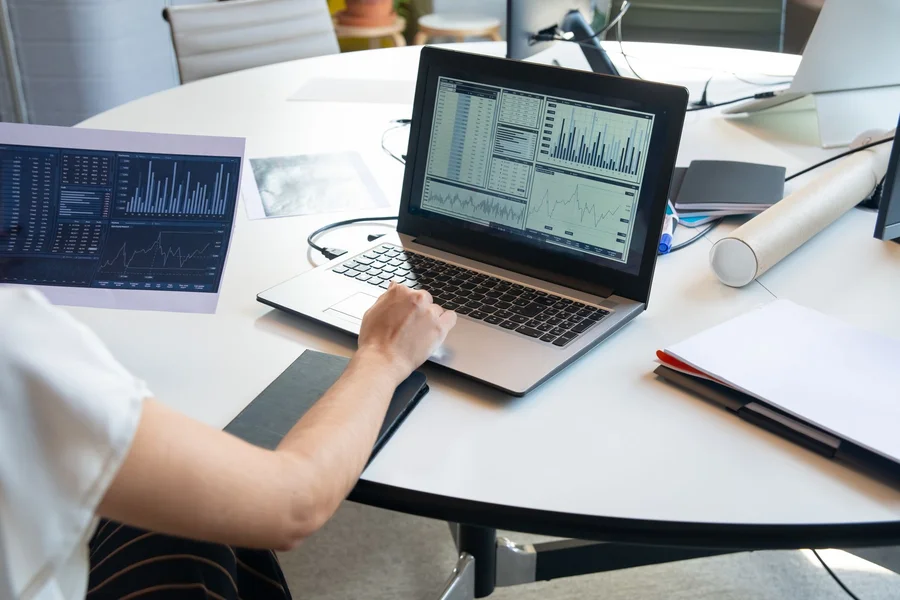
Which AI Diagnostic Tools Are Worth Using Right Now?
The ones that ship with your hardware are the strongest starting point, because they can read firmware counters that outside apps never get to see. Third-party monitors are useful, but they work from a thinner slice of data.
Tools That Come With Your PC
- Dell SupportAssist runs on Dell consumer and business machines and sends system readings to Dell’s prediction engine. It flags failing hard drives, SSDs, and batteries ahead of the failure, and how far ahead depends on your support plan. Dell lays out the scope on its SupportAssist knowledge base page.
- Lenovo Device Intelligence serves IT teams rather than single users, predicting blue screens, storage failures, and apps that drag performance down across a whole fleet.
- Windows 11 Copilot gained a feature called PC insights in 2026, currently rolling out through the Windows Insider program in the United States. It answers plain questions about your RAM, storage, GPU load, BIOS version, battery health, and antivirus state, and it asks permission before reading each category of system data.
Tools for Watching Many Computers at Once
- Atera and NinjaOne pair remote monitoring and management, usually shortened to RMM, with fault prediction across every machine a company owns. RMM software is the layer that lets one technician see and service hundreds of PCs without touching any of them.
- Pulseway pushes the same alerts to a phone, which suits small shops where nobody sits at a monitoring desk all day.
- IBM Watson AIOps works at the infrastructure layer, spotting anomalies across servers and endpoints and learning the rhythms of one specific environment.
After testing several of these on aging laptops, we prefer the vendor tool over a third-party monitor, mostly for that firmware access point: a generic app can read the SMART table, but it cannot see the manufacturer’s own battery charge-cycle counters or thermal throttle logs. If you run a mixed set of brands, pair one RMM with each vendor’s own agent rather than picking a single app and hoping it covers everything. For the wider set of assistants that handle other desk work, our roundup of the best AI agents for productivity covers ground these repair tools do not touch.
What Can AI Diagnostics Still Get Wrong?
They over-warn, and they miss slow decay. Both flaws trace back to the same source: healthy machines outnumber failing ones by such a wide margin that the math tilts toward guessing wrong in one specific direction.
Think about the Backblaze figure again. At a 1.57% annual failure rate, roughly 98 of every 100 drives survive the year. Researchers who study drive prediction call this a severely imbalanced dataset, and published work in the field treats that imbalance as the central obstacle to accurate models. A tool that shouted “failure” at every faint anomaly would still be wrong the overwhelming majority of the time.
Battery testing shows the opposite gap. Dell’s battery check inspects whether the pack can hold and deliver charge and reports error flags, but it is designed to catch outright failure, not gradual capacity loss. One thing most guides miss is that a battery test can pass cleanly while the battery still drops dead at 40% charge, because cycle wear and shrinking runtime are not what that test looks for.
A common mistake worth avoiding: treating every yellow warning as a receipt for a new part. We have watched people replace a perfectly good SSD because a monitoring app flagged a rising reallocated-sector count that had been sitting flat for eight months. The fix is boring and free: note the number, check it again in two weeks, and act on the trend. A count that climbs across three checks means something. A count that sits still is a scar, not a wound.
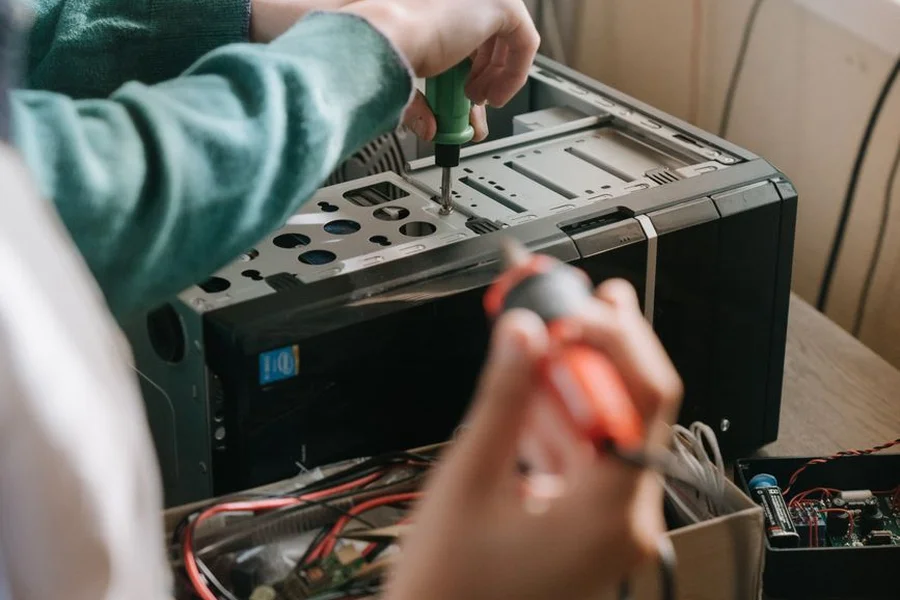
How Should You Respond to an AI Health Warning?
Back up first, verify second, buy third. That order costs you nothing if the alert turns out to be noise, and it saves your files if it turns out to be right.
Say you are three weeks from a project deadline and SupportAssist throws a drive warning on the laptop holding all your work. The pull is to ignore it because you are busy. The better move takes about ten minutes: copy the working folder to an external drive and to cloud storage before you do anything else. In practice, this looks like ten minutes of file copying, not an afternoon at a repair counter.
Then work through the alert properly:
- Copy your files to two places. One local drive and one cloud folder. Do this before any testing, because some checks stress the component that is already struggling.
- Write down the exact reading. The attribute name and its number, not the color of the warning icon.
- Run the manufacturer’s own test. A vendor tool reads firmware counters that a general monitor cannot, so its verdict carries more weight.
- Wait two weeks and re-check the same number. A rising count confirms decay. A flat count usually means a one-time event.
- Replace the part only once the trend confirms it, or right away if the drive is already dropping out during normal use.
If the machine is under warranty, start the claim at step two. Vendor prediction alerts often qualify for a replacement before the part fully dies, and the log entry is your evidence. Technicians in other repair trades lean on the same evidence trail, as our piece on how AI helps phone repair technicians lays out.
Benchmark scores are often the first sign something is wrong, and what a 954 point Cinebench result means works through one example in detail.
Frequently Asked Questions
Are AI computer diagnostic tools free?
Most vendor tools are free on supported hardware. Dell SupportAssist and the Windows 11 Copilot PC insights feature cost nothing on machines that qualify. Fleet products like Lenovo Device Intelligence, Atera, and NinjaOne are paid subscriptions priced per device, since they target IT teams running dozens or hundreds of computers.
Can AI fix my computer by itself?
No, and this is the most common misunderstanding about these tools. They identify the failing component and often walk you through the fix, but replacing hardware, reseating memory, or rolling back a driver still needs a person. We covered this split in the section above on how prediction works.
What is the difference between an AI diagnostic tool and a regular system scan?
A regular scan checks whether something is broken at this moment. An AI diagnostic tool compares your readings against failure patterns from millions of machines and estimates what breaks next. The first looks backward at damage already done, the second looks forward at damage forming.
How accurate are these predictions?
Accuracy varies by component and by vendor. Lenovo publishes an average 85% accuracy rate for predicting common blue screen failures on its Device Intelligence Plus tier. Drive predictions tend to be the most reliable because SMART data is standardized and heavily studied, while battery and thermal predictions run looser.
Will a diagnostic tool slow my computer down?
Most run light enough that you will not notice, though the newer AI assistants are heavier than the old monitoring agents. Reports on the Windows 11 Copilot app measured it holding around 1GB of RAM while sitting idle, which matters on an 8GB machine and does not on a 32GB one. Check your memory headroom before installing one on an older laptop.
Do these tools send my personal files to the manufacturer?
They send system telemetry, meaning hardware counters, error logs, and component readings, not the contents of your documents. Windows 11 Copilot asks permission before reading each category of system data and lets you grant one-time or standing access. Read that consent screen the first time rather than clicking straight through it.
Is it worth installing one on a computer that already runs fine?
Yes, and that is the only time it helps much. These models need a baseline of your normal behavior before an unusual reading means anything, which takes roughly two weeks of ordinary use. Installing one after your PC starts crashing gives the model nothing healthy to compare against.
Putting AI Tools for Computer Diagnostics to Work
AI tools for computer diagnostics earn the twenty minutes it takes to set one up, as long as you treat their output as a heads-up rather than a verdict. Start with the tool your manufacturer already provides, let it watch your machine for two weeks, and learn what your normal readings look like. When a warning arrives, back up before you do anything else.
Install your vendor’s diagnostic tool this week, while your computer is still healthy enough to give the model a clean baseline. That one step turns the next hardware failure from a lost weekend into a scheduled errand.